Ceci est une ancienne révision du document !
Using VPN client
This documentation show how to use VPN client (shrew software) to connect to the University networks and then the HPC cluster.
Connecting to the university networks
First, we need to start 2 commands :
- Run the VPN services
iked
$ sudo iked
- Run the graphical VPN client
qikea
$ qikea
This will open a graphical Window (see below).
Import and use tour VPN certificate
Th next step is to import and use your VPN certificate
- Click
fileand thenimportmenu item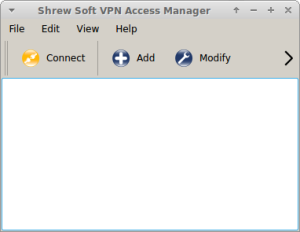
- Browse and select your Certificate file
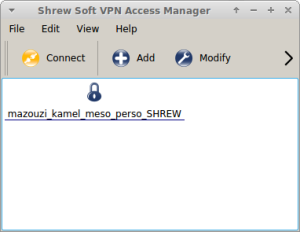
- Click
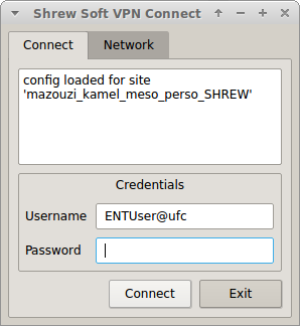
connecta new window pop-up appears