Table des matières
Using VPN client
This documentation shows how to use VPN client (shrew software) to connect to the University networks.
Installing Shrew
Download and install shrew client from https://www.shrew.net/download
You can also install directly from your distro depot.
For ubuntu:
$ sudo apt-get install ike ike-qtgui
Connecting to the university networks
First, we need to start 2 commands :
- Run the VPN services
iked
$ sudo iked
- Run the graphical VPN client
qikea
$ qikea
This will open a graphical Window (see below).
Windows users, just run shrew client
Import and use your VPN certificate
Th next step is to import and use your VPN certificate
- Click
fileand thenimportmenu item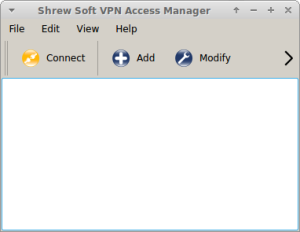
- Browse and select your Certificate file
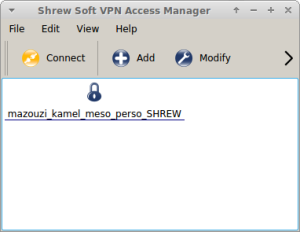
- Click
connecta new window pop-up appears, you need to give your ENT user name (not the mesocentre login) and your ENT password. Please notice that the username MUST be concatenated with@ufcstring. For example my user name iskmazouziI'll usekmazouzi@ufc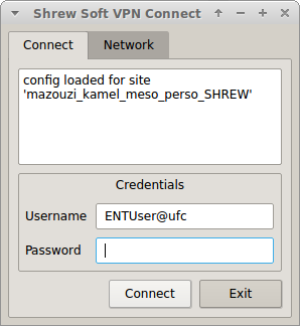
- If we successfully connected, on can see this, tunnel enabled:
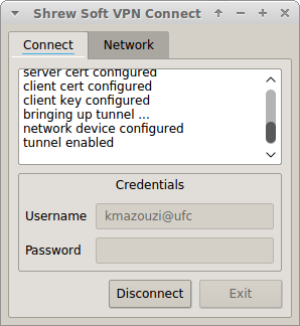


At this point, your are connected to the university networks.
You can connect to the cluster as usual by using ssh, x2go, sftp, …
We can check if the VPN Work by visiting the mesocentre wiki : http://mesowiki.univ-fcomte.fr
That's all 